macbook pro 13 inch retina repair (late 2013)
Repaired my mom’s swollen battery MBP. I would have sent it to Apple, but they do not service devices 7 years past release. I followed the iFixit repair guide and ordered the battery from there, too.
Shoutout to Harlee for recommending an electric screwdriver kit for home repairs. I can’t believe this stuff isn’t mentioned on most repair guides; this has been immensely helpful for various situations. Now let’s dive into the repair.
Once I unscrewed the first two screws, the battery immediately pressed on the back cover. I had no trouble removing the cover; it popped out by itself.


That’s a spicy pillow alright.


No picture for this, but I was pretty nervous about removing the connector. There’s a warning that if you lift on the socket instead of the connector, you risk permanently damaging the logic board. I’ve done a similar thing in a previous repair. Nowhere did the diagram indicate which part was the socket and which was the connector, so I watched a YouTube segment to double check.
The most annoying part of this repair (or, the hardest part), is that Apple GLUES DOWN each of the six battery cells. And the glue is very sticky. The iFixit kit involves some chemical adhesive remover, but many comments and online guides mention that a piece of floss is enough. They also recommend gloves because your hands are gonna be raw from flossing.

Tools of the trade. Hair dryer to soften the adhesive. Pictured: The floss wasn’t strong enough and broke multiple times, even when doubled up.

I ended up just using a hair dryer and expired credit cards. They worked better than the floss, and I wonder why nobody talks about it.

And that’s it! Hopefully the battery calibration works out.
Appendix: Past repairs
That’s 5 repairs completed so far. I imagine my next repair will be replacing my iPhone SE 2020 battery (by following the iPhone 8 guide, as they use most of the same parts). I still hope to get a few more years out of my existing one.
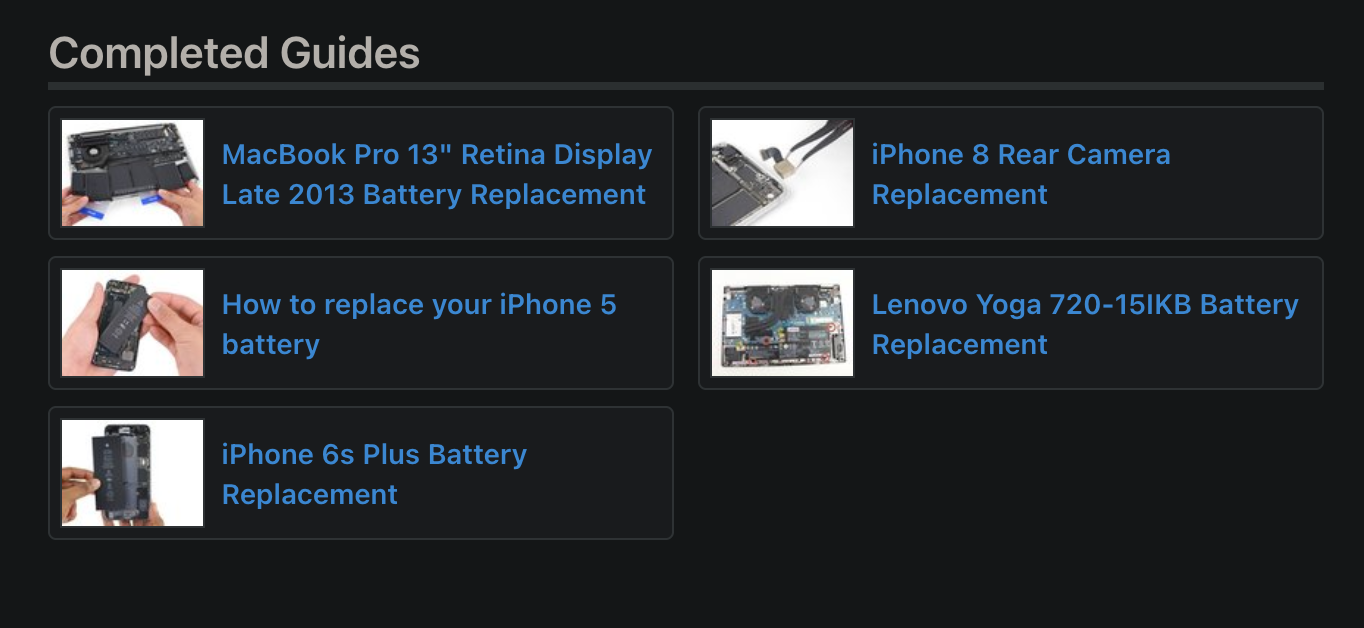
Past repairs and status
- 2016-ish: iPhone 5 battery – successful repair.
- 2020: iPhone 6s plus battery – unsuccessful. I must have pressed onto the socket and messed up some of the pins, because the screen stopped recognizing touch. For a smartphone, it spells death. There were some hacks about pairing a bluetooth keyboard or using Siri to open the phone, but with software updates and a phone that had been powered off and on, it was impossible. I called up some repair shops. Most of them declined because they could only do basic replacements. There was one shop who said they could fix it with microsoldering and it would cost me about $350, at which point I might as well get a new phone. A few years later, I found the logic board replacement guide on iFixit. I could totally attempt this, but I don’t really see the reason anymore. The part itself costs over a hundred bucks.
- 2021: iPhone SE 2020 camera – semi-successful repair. I scratched one of the internal screws pretty badly and I have no idea if I’ll ever be able to remove it again. Next time I open it, I’ll just leave that screw out. It’s part of the metal plate you need to remove to get to the battery, too. This is what motivated me to get the electric screwdriver.
- Lenovo Yoga 720-15IKB – unknown status. I did put the battery in and everything, and it didn’t register in the laptop. I contacted iFixit and got a replacement, which didn’t work either. I left the battery in, useless, and after 3 months found considerable swelling. I removed that replacement battery, and now my 5-year-old Yoga is a dedicated StepMania machine. This machine has had a previous repair on its logic board (something about its battery circuit), so I think the board is the root cause. Well, it was time for her to retire anyway.